Windows 11 Prepares for 1000Hz+ Refresh Rate Monitor Support
Microsoft has begun rolling out significant changes to Windows 11 within the Release Preview channel. A particularly noteworthy improvement is the added compatibility for monitors reporting refresh rates exceeding 1000 Hz. Specifically, builds 26100.8106 and 26200.8106 (KB5079387), which correspond to Windows 11 24H2 and 25H2, are now equipped to handle these advanced displays.
While this high refresh rate support is a prominent feature, it's just one part of a more comprehensive package of adjustments and fixes for Windows 11. Furthermore, the update is being distributed in two phases, with a gradual and standard deployment, meaning not all users will receive it simultaneously.
Windows 11 Paves the Way for Gaming Monitors Beyond 1000 Hz
It's important to clarify that Microsoft isn't "creating" magical compatibility for playing games at 1000 Hz on just any PC. Instead, it's adapting Windows 11 to correctly recognize and interface with monitors that advertise such extreme refresh rates. This isn't an update relevant to the mass market, considering that monitors operating at or above 1000 Hz (and even above 500 Hz) cater to a niche. These monitors are exclusively chosen by professional eSports players for very specific titles such as Counter-Strike 2, Valorant, or League of Legends.
Microsoft bundles this new capability with several other refinements to the display subsystem. These include improved HDR reliability on monitors with non-fully compliant DisplayID 2.0 blocks, enhanced auto-rotation after exiting sleep mode, reduced power consumption for the USB controller when the system is asleep with a native USB4 monitor connected, and more precise monitor size reporting via WMI APIs. Consequently, this is essentially an update to the display detection and management stack tailored for very new hardware, meaning it won't be a "visible" function for the general public.
This market context is crucial because 1000 Hz monitors are starting to establish themselves as the most advanced technology for these niche gamers. Examples include the Philips Evnia 27M2N5500XD, a monitor capable of operating at a Quad HD resolution of 2560 x 1440 pixels at 540 Hz, or scaling down to 1280 x 720 pixels to achieve 1000 Hz. Another notable example is the AOC AGON Pro AGP277QK, offering an identical proposition: a 27-inch IPS panel with a Dual Mode that supports 1440p at 540 Hz or 720p at 1000 Hz.
Additional Improvements Beyond Monitor-Centric Enhancements
Beyond the main focus of preparing Windows 11 for 1000 Hz monitors, Microsoft is rolling out other adjustments. The "About" page in Settings has been redesigned, the device information card on the Settings Home page has been refined, and its loading performance improved. Smart App Control can now be activated or deactivated without requiring a clean installation, removing one of its biggest practical barriers. In File Explorer, voice dictation for renaming files has arrived, reliability when previewing downloaded internet files is improved, and primary sorting has been added to advanced permissions. There are also fixes for Windows Hello fingerprint recognition, number detection in Voice Access, Taskbar loading in Safe Mode, handling of short MIDI messages, and the extra error message some users observed with sfc /scannow.
In this way, we can see how Microsoft continues to take steps to adapt Windows 11 to modern times while consistently making small corrections. While not a revolutionary evolution, the implementation of all these improvements without breaking existing functionalities is certainly something to appreciate and commend.
Fresh materials — Technology News
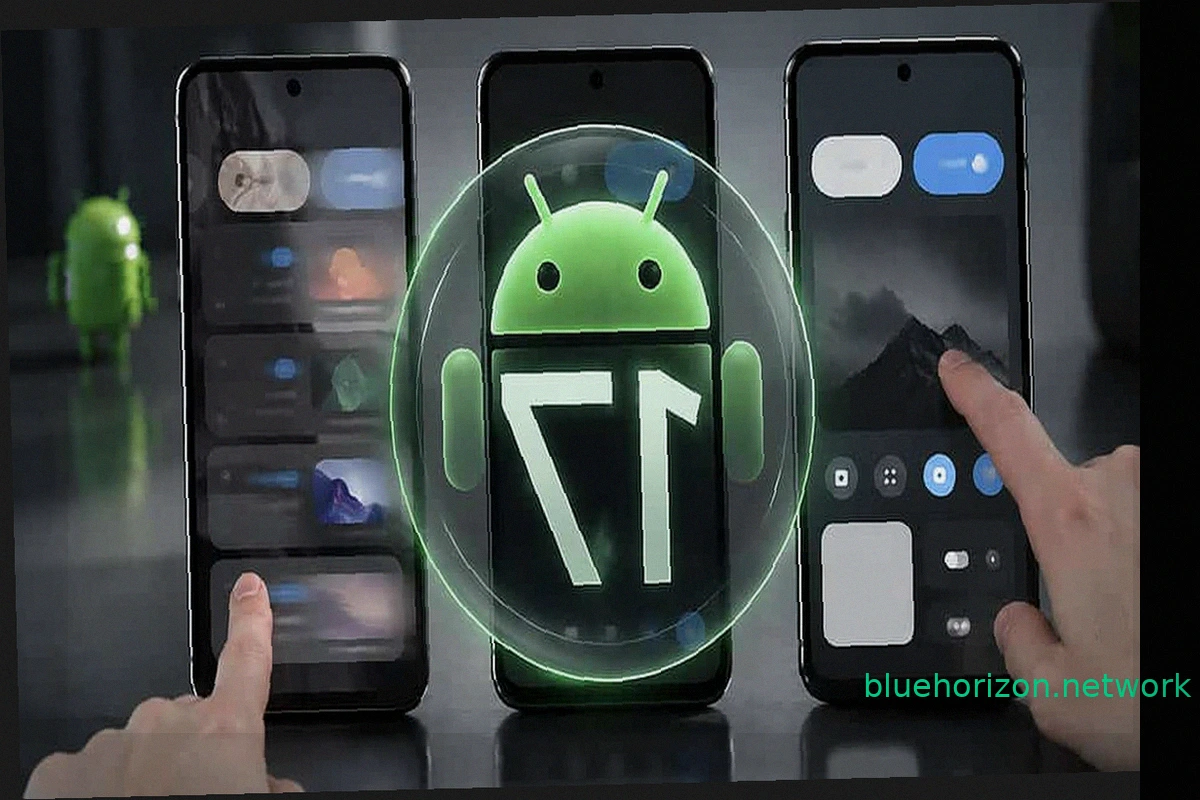
Google Pixel Devices Hit by Nightmare Bug: September Update Locks Out Some Users
Updating your phone should be a simple process: install, restart, and continue. But imagine completing the update, entering your usual unlock pattern, and the phone not even letting you finish it. Your photos and messages remain, but you're locked out. This is the predicament some Google Pixel
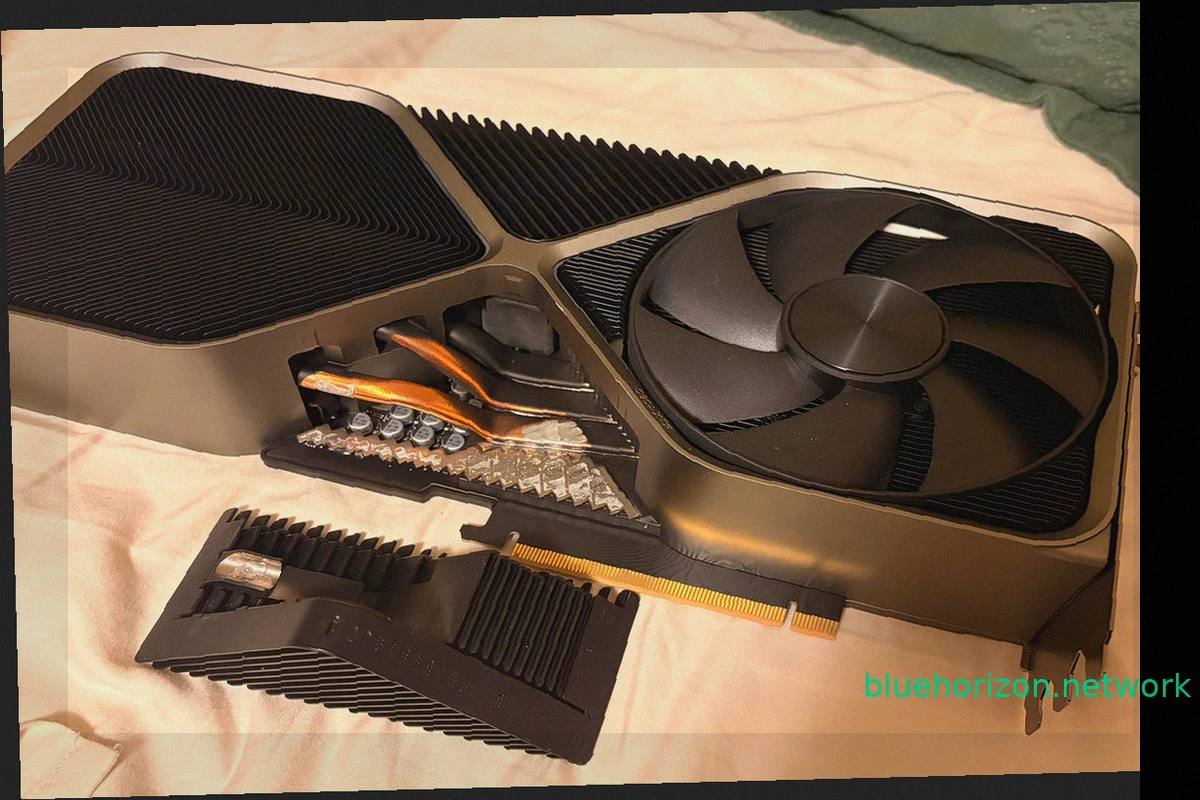
NVIDIA GeForce RTX 4090 Founders Edition Loses Part of Its Heatsink After Three Years
A NVIDIA GeForce RTX 4090 Founders Edition has presented an unusual problem, not with its power connector, but with its heatsink. This incident is unique, as a portion of the graphics card's massive heatsink literally detached while its owner was moving the computer. This wasn't a decorative c
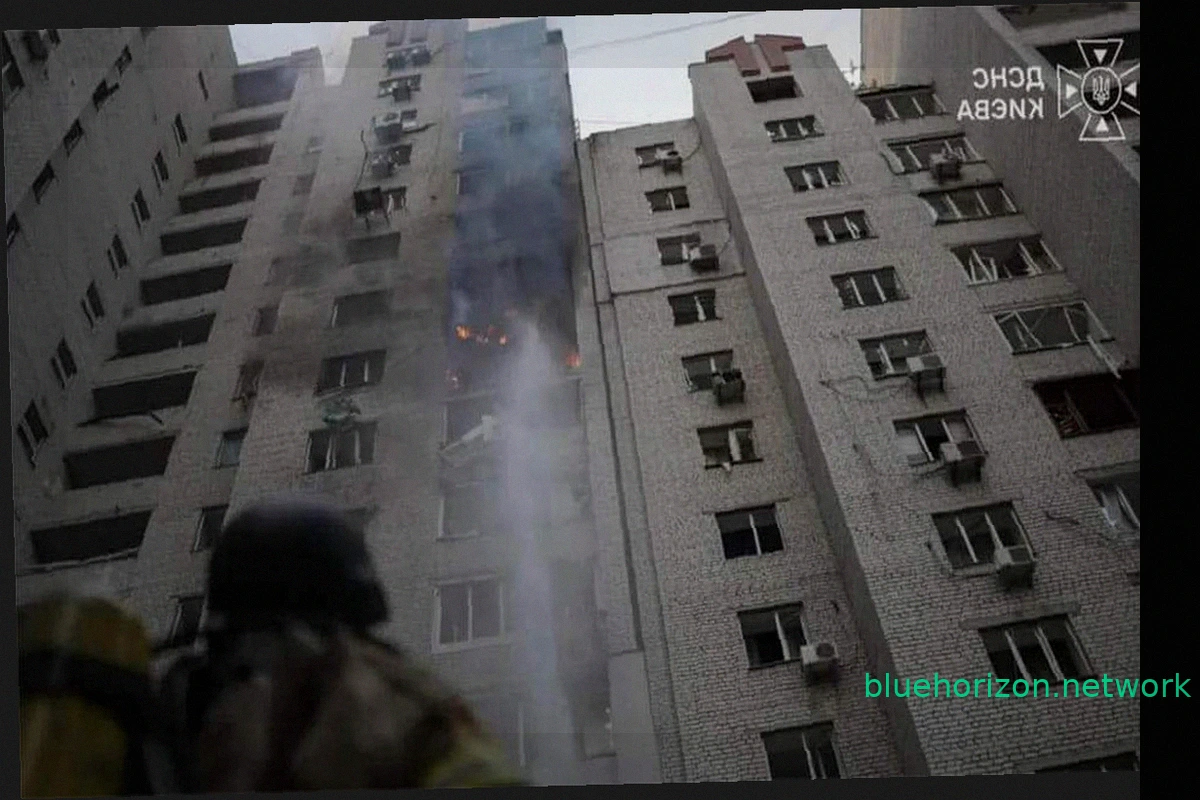
Russian Missiles Strike Infrastructure of 1337x, Second Largest Torrent Tracker, Hitting Piracy
Russian missile attacks have damaged infrastructure belonging to popular torrent trackers like 1337x. Between September 23 and 27, 2026, Russia conducted strikes targeting data centers and communication facilities in Kyiv. These attacks temporarily disrupted internet access for approximately 1
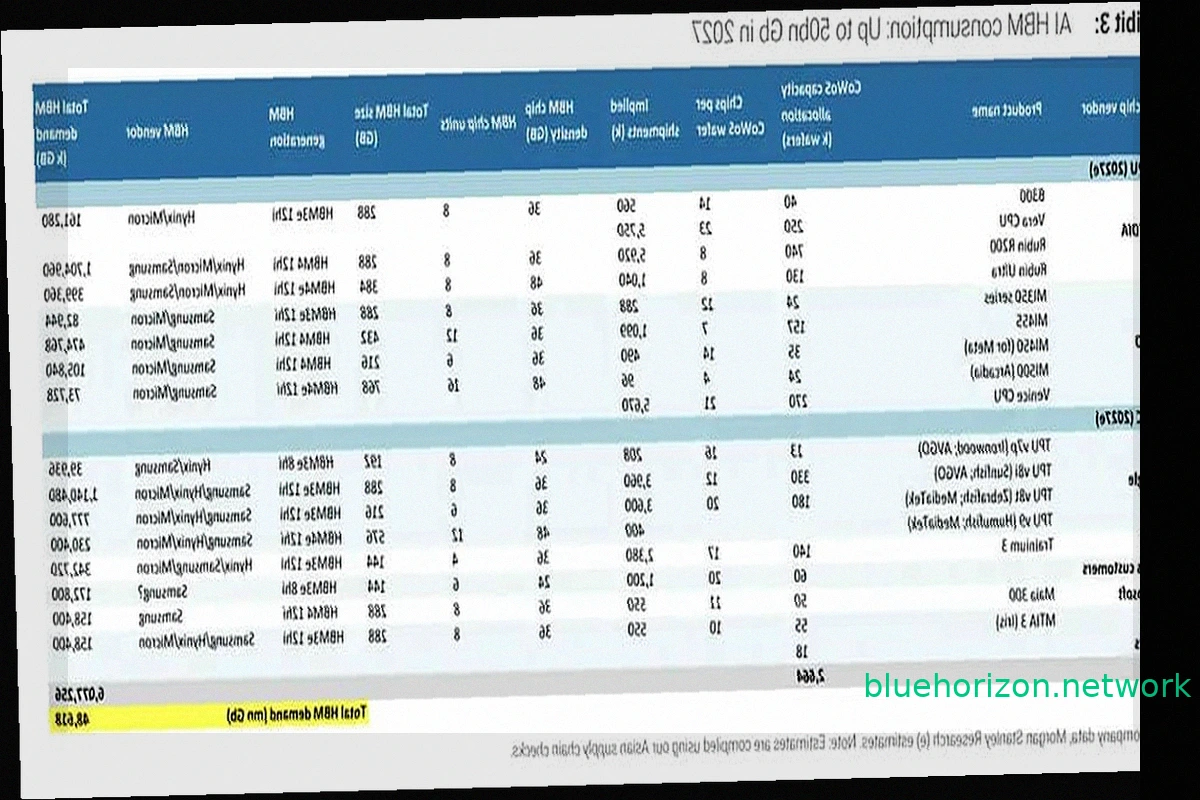
NVIDIA, Google, and AMD Poised to Control 85% of HBM Memory Demand by 2027
The "you'll own nothing and be happy" meme is finding a parallel in hardware, specifically memory. NVIDIA, Google, and AMD are set to command 85.4% of the global High Bandwidth Memory (HBM) demand by 2027, according to Morgan Stanley estimates. These three buyers will largely dictate the pace
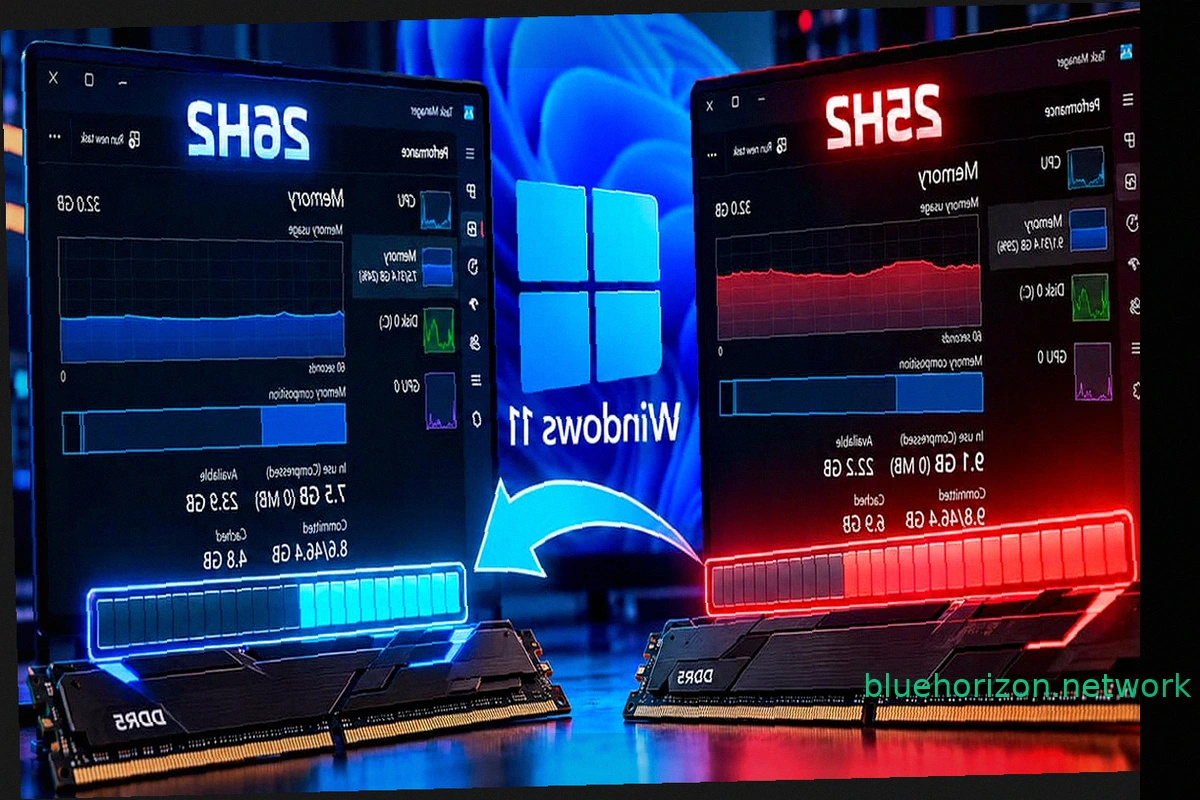
Windows 11 26H2 Reduces RAM Consumption by Up to 2 GB, But 8 GB Machines Still Struggle
Windows 11 26H2 is rolling out optimizations for RAM management. Some users report a noticeable decrease in RAM usage after installing this update, with certain systems showing a reduction of up to 2 GB compared to Windows 11 25H2 upon startup. However, initial findings suggest this improvemen

RTX 5090 fails with DLSS 5 after 48 hours for Chinese streamer
NVIDIA's RTX series introduced Tensor Cores, enabling technologies like DLSS. Early DLSS versions offered a noticeable drop in image quality compared to native resolution. DLSS 2 brought significant improvements, and DLSS 3 achieved parity or even superiority over native rendering. DLSS 4 cont