Windows 11 Update: Support for Gaming Monitors Up to 5,000 Hz
When assembling a PC specifically for gaming, it's crucial to pair it with peripherals that can fully leverage the computer's hardware capabilities. For competitive gaming, investing in high-end peripherals is often paramount, necessitating a monitor with an exceptionally high refresh rate, alongside a responsive mouse and keyboard. While existing monitors typically offer refresh rates ranging from 144 Hz, 240 Hz, 360 Hz, 480 Hz, 540 Hz, and even up to 720 Hz (currently the fastest available options), Microsoft has taken a significant leap forward. The company has decided to dramatically expand this limit, allowing Windows 11 to support displays with refresh rates reaching an astonishing 5,000 Hz.
Selecting the ideal monitor requires understanding your primary priorities, whether they involve professional applications, general productivity, or gaming. For tasks demanding the most accurate color calibration, it is recommended to choose a display with 100% or near-100% color coverage, ideally complemented by a calibrator to ensure color precision. When it comes to gaming, your decision will hinge on personal preference: you can either prioritize superior image quality or opt for maximum visual fluidity.
Microsoft Removes 1,000 Hz Limit in Windows 11, Enabling Support for 5,000 Hz Monitors
For single-player video games, a high-resolution monitor, such as a 4K display running at 60 Hz or perhaps 120 Hz, is often sufficient, as refresh rates beyond this typically offer minimal additional benefit in this genre. Conversely, for competitive video games, particularly fast-paced shooters, a higher refresh rate provides a substantial advantage, ensuring greater fluidity and making it easier to acquire targets and land shots. While 144 Hz or 240 Hz monitors are commonly adopted, some enthusiasts demand even faster performance. The quickest commercially available monitors currently reach 720 Hz, with ASUS pioneering this technology, later joined by Acer and LG. Microsoft has now rolled out the Windows 11 update KB5079391, which enables the operating system to support monitors with refresh rates up to an incredible 5,000 Hz.
Although the concept of a 5,000 Hz monitor may seem far-fetched today, technological advancements are occurring at an unprecedented pace. While not yet available for general purchase, 1,000 Hz monitors were already showcased at CES 2026 earlier this year. Among these, the Philips Evnia 27M2N5500XD stands out, capable of achieving 540 Hz at a resolution of 2560 x 1440 pixels, or an impressive 1000 Hz when scaled down to 1280 x 720 pixels. Another display reaching this high refresh frequency is the AOC AGON Pro AGP277QK, which utilizes a 27-inch IPS panel and features Dual Mode. This allows users to choose between 1440p at 2K or 720p at 1,000 Hz, mirroring the functionality of the Philips model. A TCL CSOT display also demonstrated 4K resolution at 1,000 Hz.
2,000 Hz Monitors Expected as Early as 2030
This is merely the initial phase. Considering the rapid evolution where the maximum refresh rate has nearly doubled in three years—from 540 Hz in 2023 to 1,000 Hz in 2026—Microsoft's decision to support 5,000 Hz displays makes logical sense for future-proofing. In fact, industry projections anticipate that several brands will release 2,000 Hz monitors as soon as 2030.
As one might expect, these extraordinary advancements are partly made possible by technologies like NVIDIA's MFG (Multi Frame Generation), which is currently at its x6 iteration, meaning it can generate six times more frames per second (though with certain trade-offs upon activation). Beyond enhanced monitor support, the KB5079391 update for Windows 11 introduces a host of other new features. These include the addition of image descriptions in PC Copilot+ using the Narrator function, the capability to activate or deactivate SAC (System Audio Components), and various improvements implemented across account settings, File Explorer, and other miscellaneous system configurations.
Fresh materials — Technology News
Google Pixel Devices Hit by Nightmare Bug: September Update Locks Out Some Users
Updating your phone should be a simple process: install, restart, and continue. But imagine completing the update, entering your usual unlock pattern, and the phone not even letting you finish it. Your photos and messages remain, but you're locked out. This is the predicament some Google Pixel
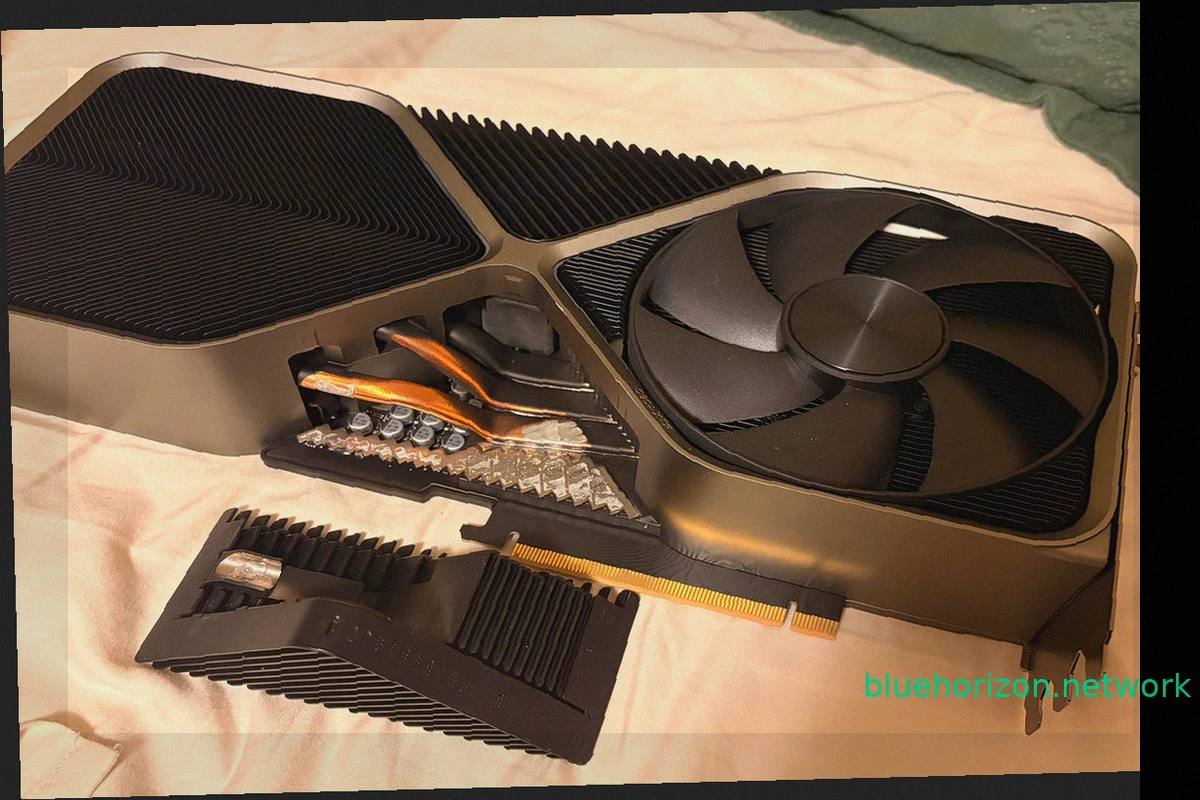
NVIDIA GeForce RTX 4090 Founders Edition Loses Part of Its Heatsink After Three Years
A NVIDIA GeForce RTX 4090 Founders Edition has presented an unusual problem, not with its power connector, but with its heatsink. This incident is unique, as a portion of the graphics card's massive heatsink literally detached while its owner was moving the computer. This wasn't a decorative c

Russian Missiles Strike Infrastructure of 1337x, Second Largest Torrent Tracker, Hitting Piracy
Russian missile attacks have damaged infrastructure belonging to popular torrent trackers like 1337x. Between September 23 and 27, 2026, Russia conducted strikes targeting data centers and communication facilities in Kyiv. These attacks temporarily disrupted internet access for approximately 1
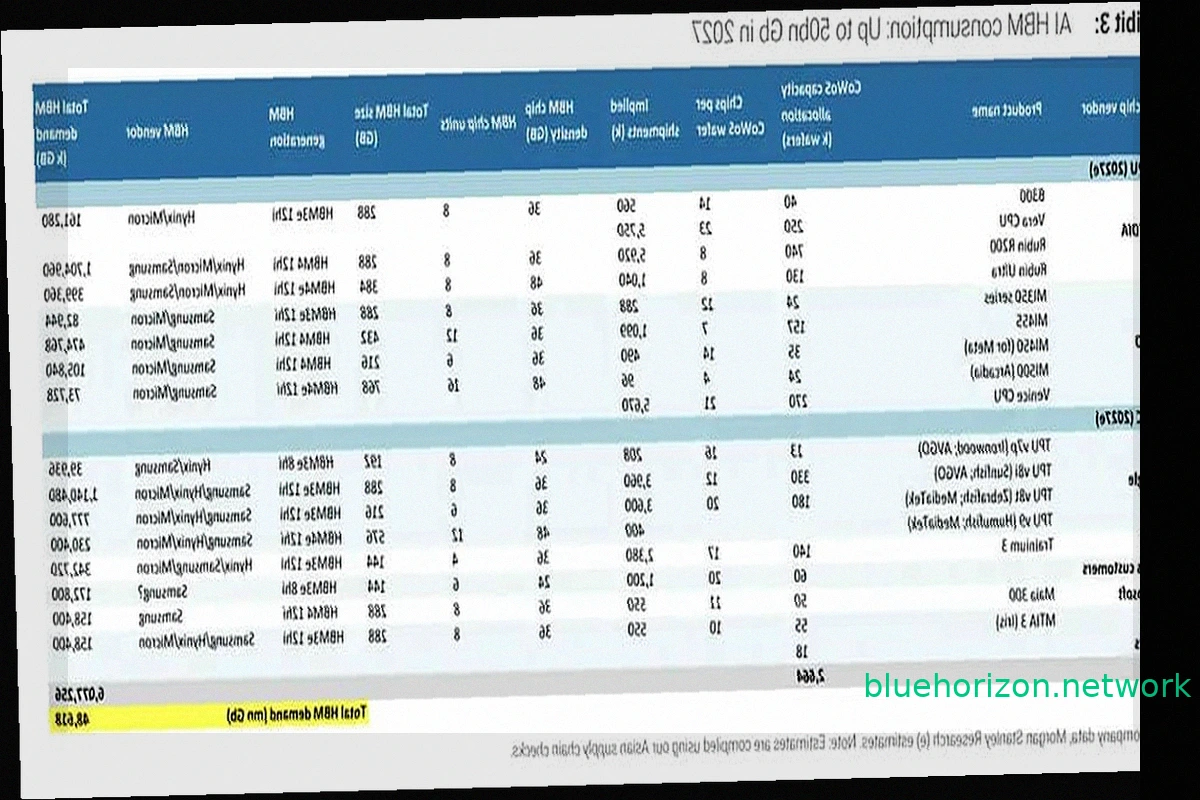
NVIDIA, Google, and AMD Poised to Control 85% of HBM Memory Demand by 2027
The "you'll own nothing and be happy" meme is finding a parallel in hardware, specifically memory. NVIDIA, Google, and AMD are set to command 85.4% of the global High Bandwidth Memory (HBM) demand by 2027, according to Morgan Stanley estimates. These three buyers will largely dictate the pace
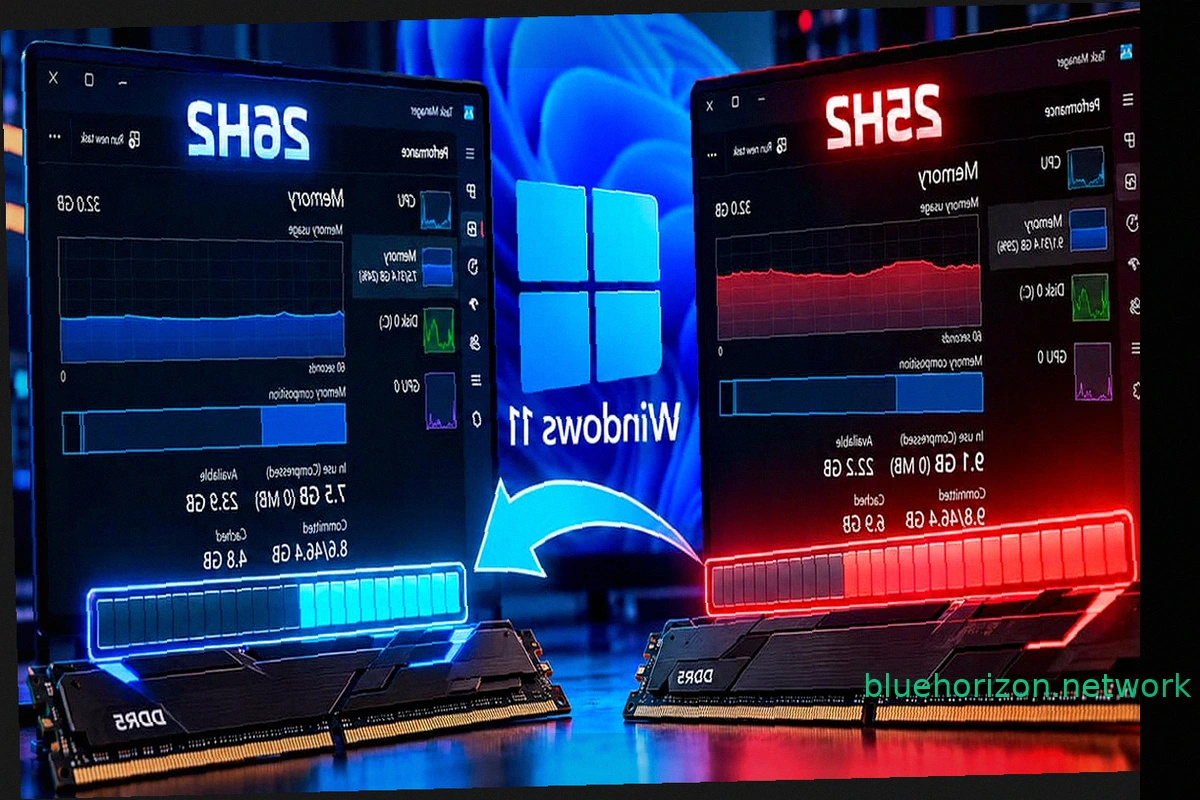
Windows 11 26H2 Reduces RAM Consumption by Up to 2 GB, But 8 GB Machines Still Struggle
Windows 11 26H2 is rolling out optimizations for RAM management. Some users report a noticeable decrease in RAM usage after installing this update, with certain systems showing a reduction of up to 2 GB compared to Windows 11 25H2 upon startup. However, initial findings suggest this improvemen
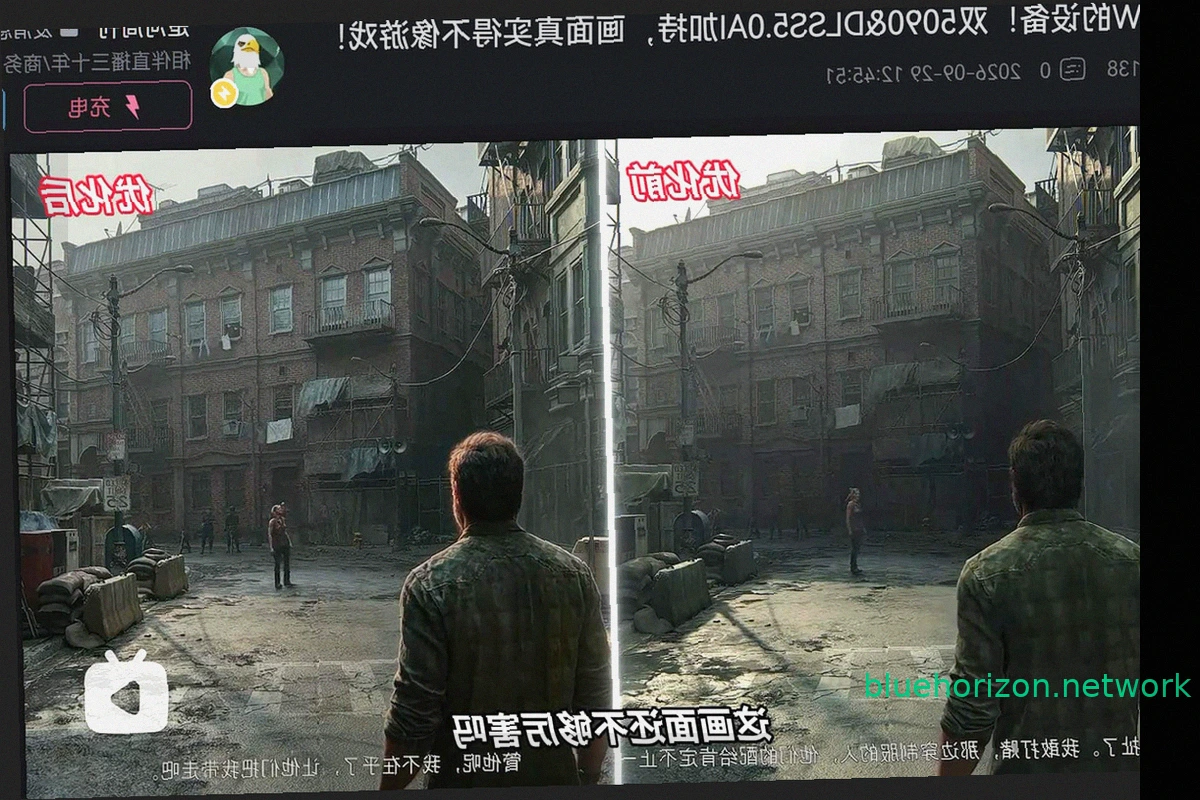
RTX 5090 fails with DLSS 5 after 48 hours for Chinese streamer
NVIDIA's RTX series introduced Tensor Cores, enabling technologies like DLSS. Early DLSS versions offered a noticeable drop in image quality compared to native resolution. DLSS 2 brought significant improvements, and DLSS 3 achieved parity or even superiority over native rendering. DLSS 4 cont